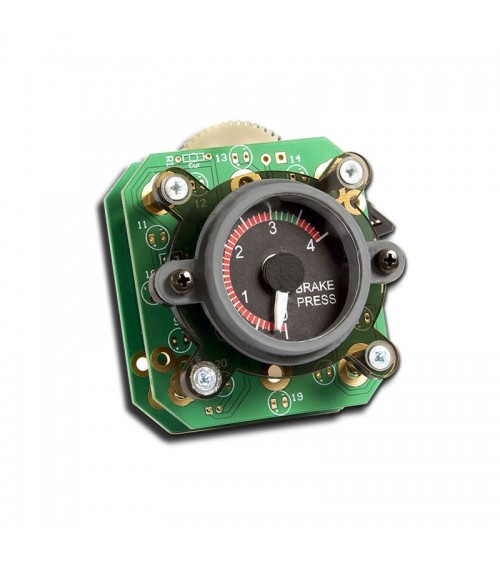

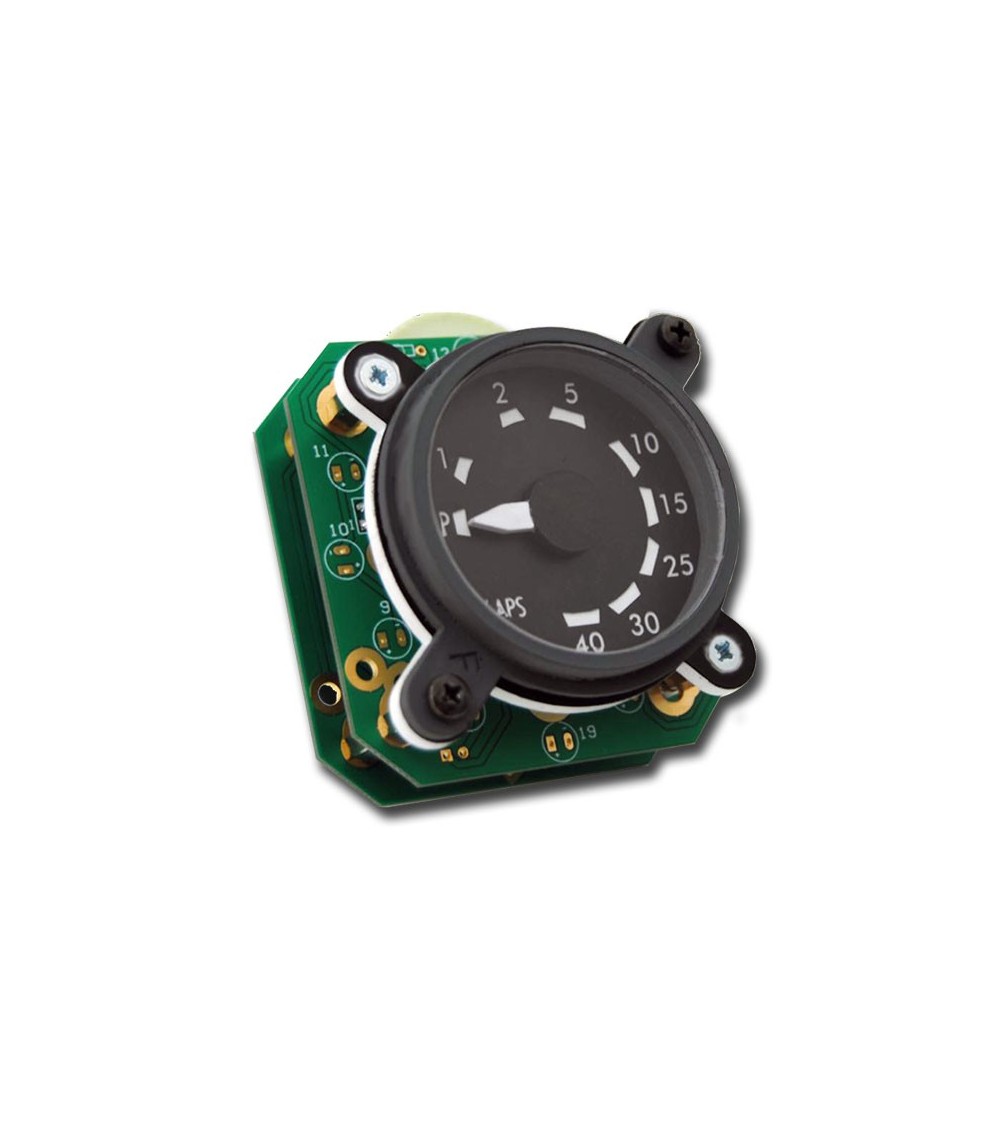
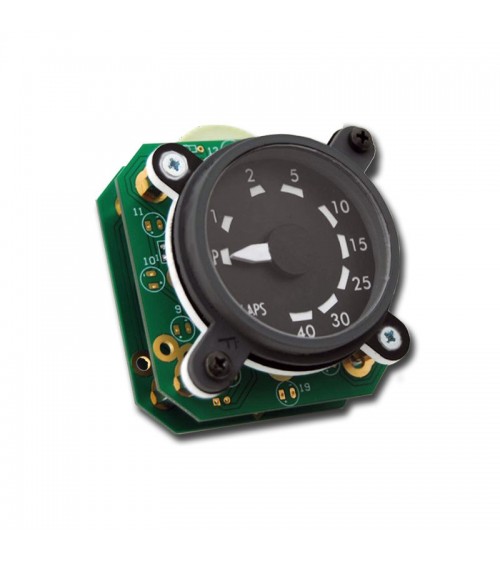
Flaps Gauge with backlight

Flaps Gauge with backlight for Boeing 737 NG simulator cockpits.

Boeing 737 NGServo-controlled needle12 V backlighting
$ 78.06
Tax excluded
Quantity

SISMO · FLIGHT SIMULATOR HARDWARE

Ref. S7NG-MIP-G-NL-A23-0236

Flaps Gauge with backlight

Flaps Gauge with backlight for Boeing 737 NG simulator cockpits.

Boeing 737 NGServo-controlled needle12 V backlighting

01 / Key Features

  •  Replica made in scale 1:1.
  •  Gauge Bezel Painted in Grey RAL 7011.
  •  Gauge Glass.
  •  High-quality finish.
  •  Servo-controlled needle position.
  •  Warm White LED-Backlighting (12V).
  •  Fully assembled.

02 / Integration

  •  Easy installation in MIP, no special tools required.
  •  Ready to be installed into the MIP metal structure of Sismo.
  •  2 painted screws M4x10 to fix the gauge in the MIP.

03 / Compatibility

The Gauge is not stand-alone, it requires to be connected with any card capable to control Servos. We recommend to control the gauge with a SimCard SC-MB Ethernet and a Simcard 14 Servos Daughter.

Simcard SC-MB controls inputs, outputs, displays and analog inputs and the SimCard 14 Servos Daughter control up to 14 gauges with 1 servo.

You can use one of the both versions of SimCard SC-MB available:

For the SimCard 14 Servos daughter, you can select between one of the following versions:

SimCard 14 Servos Daughter - Mini

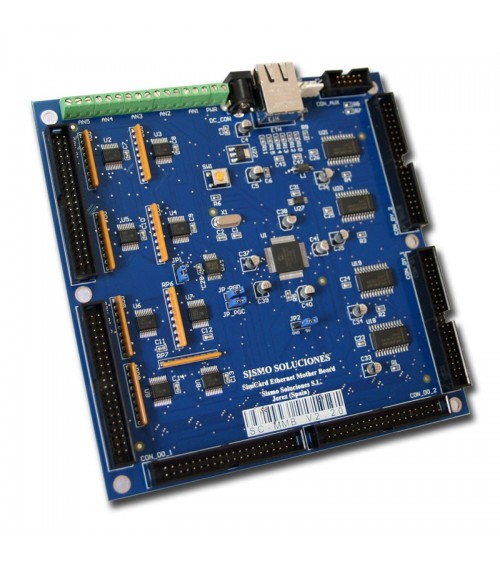
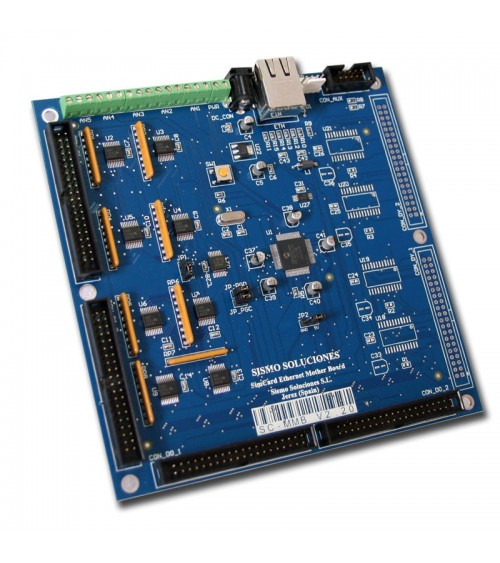
  •  SimCard Mother Board SC-MB Ethernet No Displays
  •  SimCard Mother Board SC-MB Ethernet
  •  SimCard 14 Servos Daughter
S7NG-MIP-G-NL-A23-0236

Data sheet

Backlight
Warm White (12V)
Version
V2.2
Ready to be Connected
Yes (to a Servos Controller Board, i.e. SimCard Servos)
Documentation
Datasheet
Servos
1un Mini Servo

Download

Flaps Gauge with backlight V2.1

Datasheet Flaps Gauge with backlight V2.1 - Rev1.2

Download (873.34KB)

Gauges Set-up - Rev2.0

User Guide - Gauges Set-up - Rev2.0

Download (1.52MB)

No customer reviews for the moment.
You might also like