

- -20%
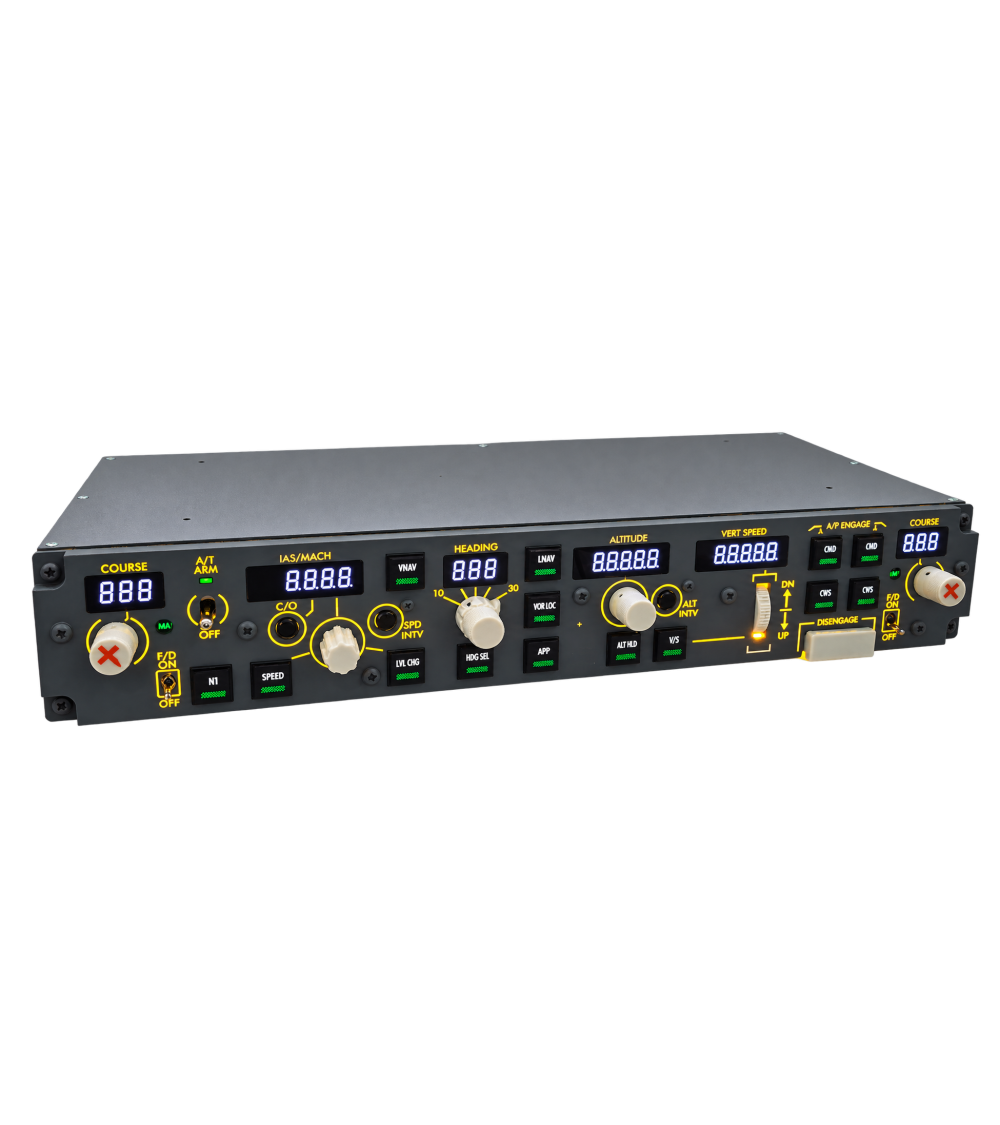
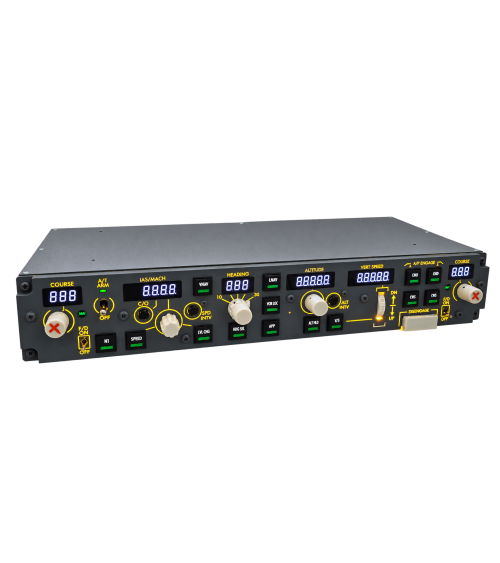
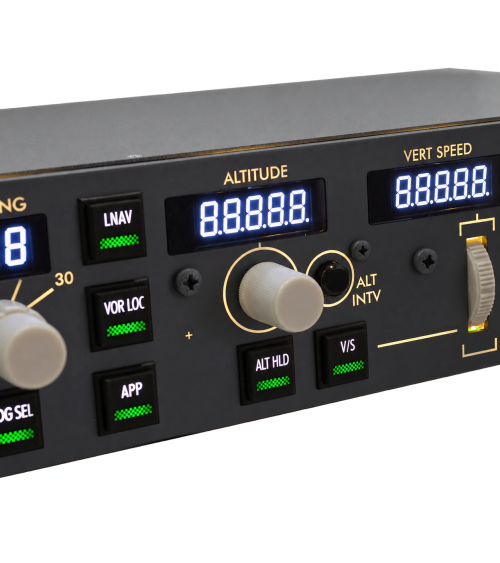

MCP Module Ethernet for the Boeing 737MAX Simulators
MCP Module Ethernet for the Boeing 737MAX Simulators
SISMO · FLIGHT SIMULATOR HARDWARE
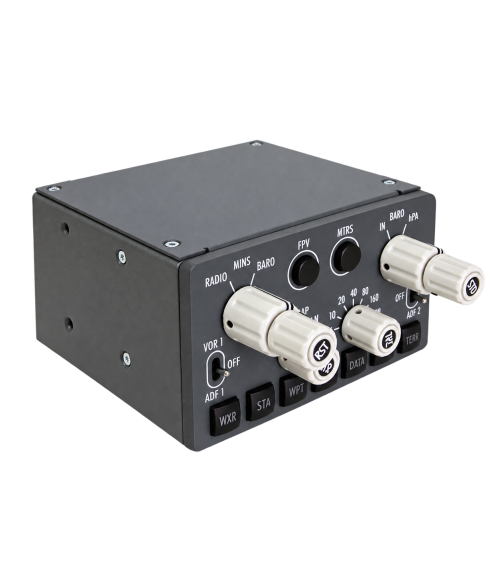
Ref. S7NG-MCP-F-AL-A47-2027Fully assembled Ethernet mode control panel for Boeing 737 MAX simulator cockpits, available in Alpha and Bravo configurations.
 Full-scale (1:1) module.6 mm laser-cut and engraved acrylic panel.Metal casing in grey RAL 7011.Warm-white LED backlighting, ready for dimming.Injection-moulded plastic replica knobs.Printed circuit board (PCB) with components mounted.Fully assembled and ready to use.Available in Alpha and Bravo configurations.12 V power supply.Ethernet communication through the SimCard SC-MB Ethernet.Captain-side EFIS connection in both versions; use the matching EFIS line.F/O-side EFIS connection in Alpha only.Backlighting can connect to the SISMO MIP dimmer.Supported simulators: Microsoft Flight Simulator 2020 and 2024.Compatible add-ons: ProSim and iFly 737 MAX.iFly 737MAX: MSFS 2020/2024 through SismoLink V2.1 or later.
| Feature | Bravo Line | Alpha Line |
|---|---|---|
| 6 mm front panel, metal casing and Ethernet | Included | Included |
| 12 V power supply and SC-Pascal scripts | Included | Included |
| Warm-white backlighting, ready for dimming | Yes | Yes |
| Injection-moulded replica knobs | Yes | Yes |
| Button legend and bar lighting | One light for the white legend and green bar | Separate lights for the white legend and green bar |
| Heading / bank angle selector | Single knob with push-button | Dual concentric rotary encoder with dual knob |
| A/T toggle switch with solenoid | No | Yes |
| Captain-side EFIS connection | EFIS Bravo Line | EFIS Alpha Line |
| F/O-side EFIS connection | No | Yes |
| SPD INT and ALT INT push-button inputs | No | Yes |
| Fully assembled Plug & Fly module | Yes | Yes |
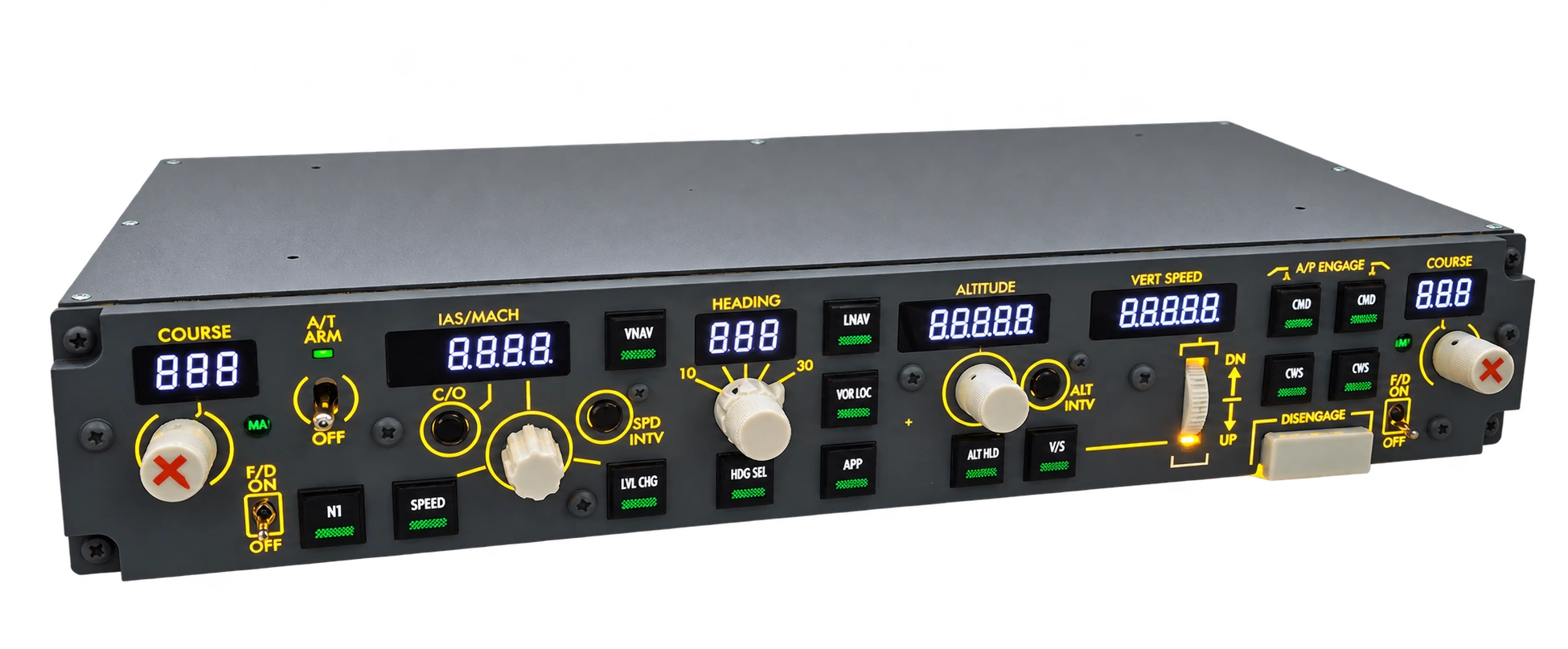
Select the image to view it at full size. Features depend on the selected product line.
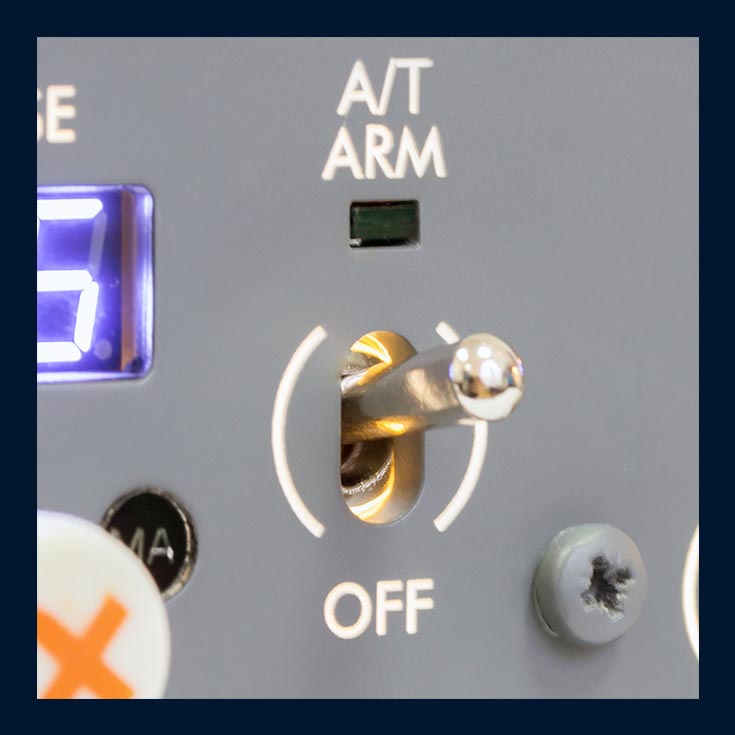
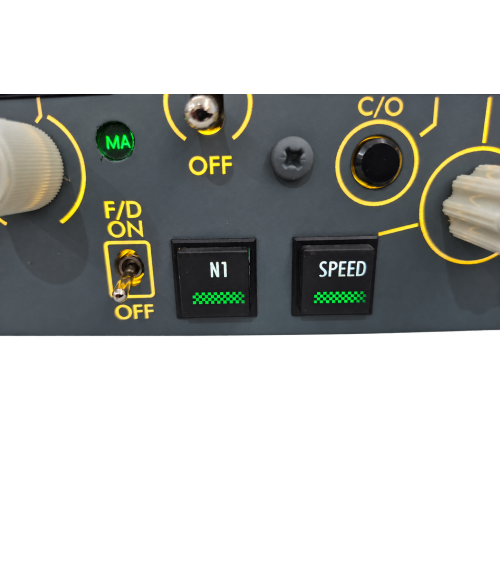
Alpha Line includes a solenoid-operated A/T ARM switch.
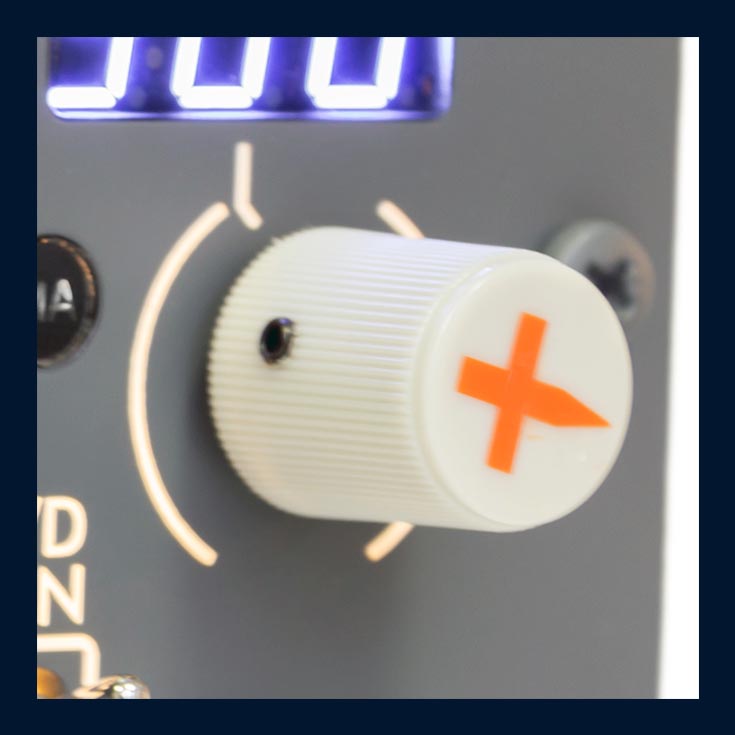
Injection-moulded plastic knobs based on the original controls.
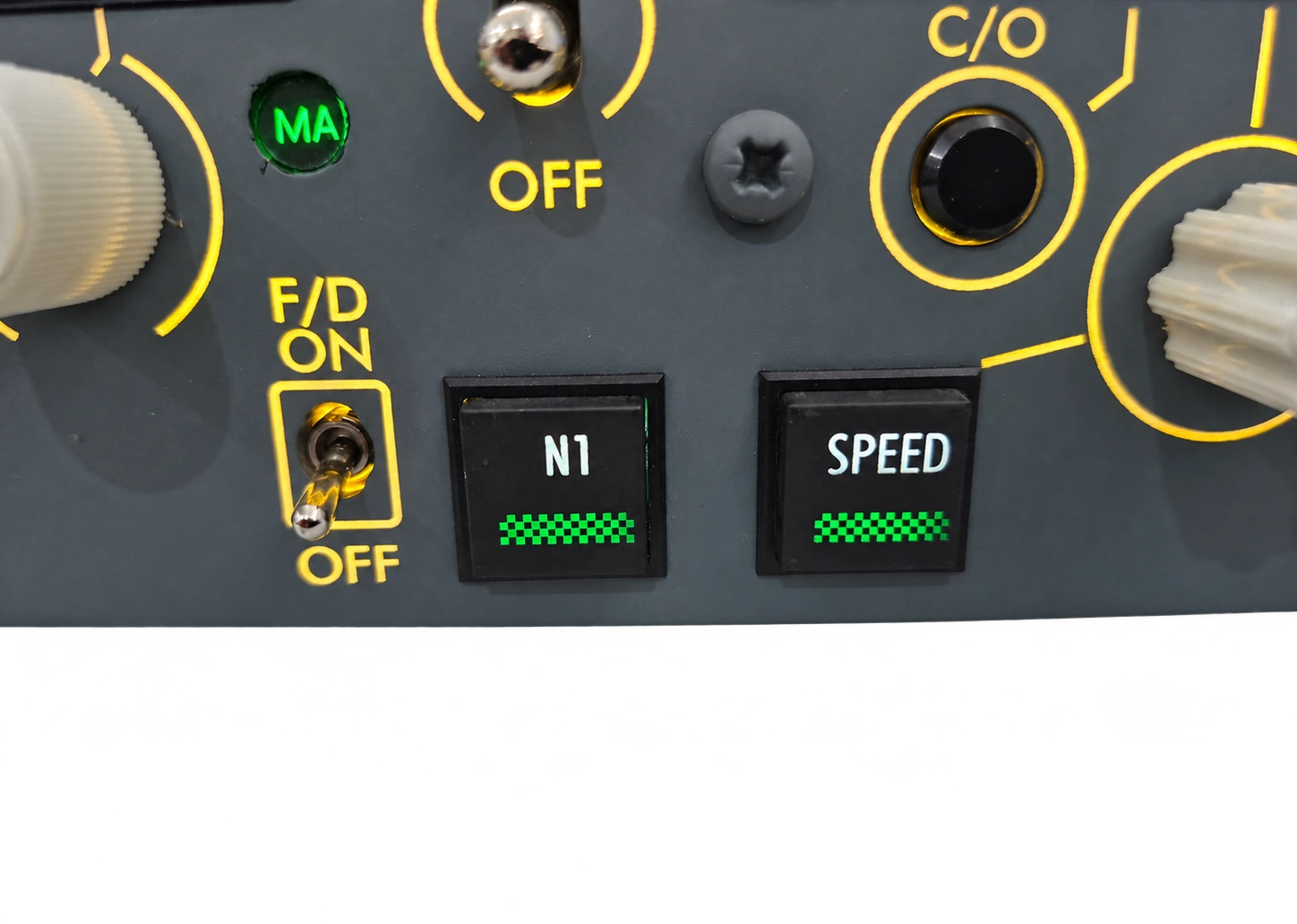
Alpha has separate illumination for the legend and activation bar. Bravo uses one light for both.
On Alpha, the lower bar illuminates when the associated function is selected.
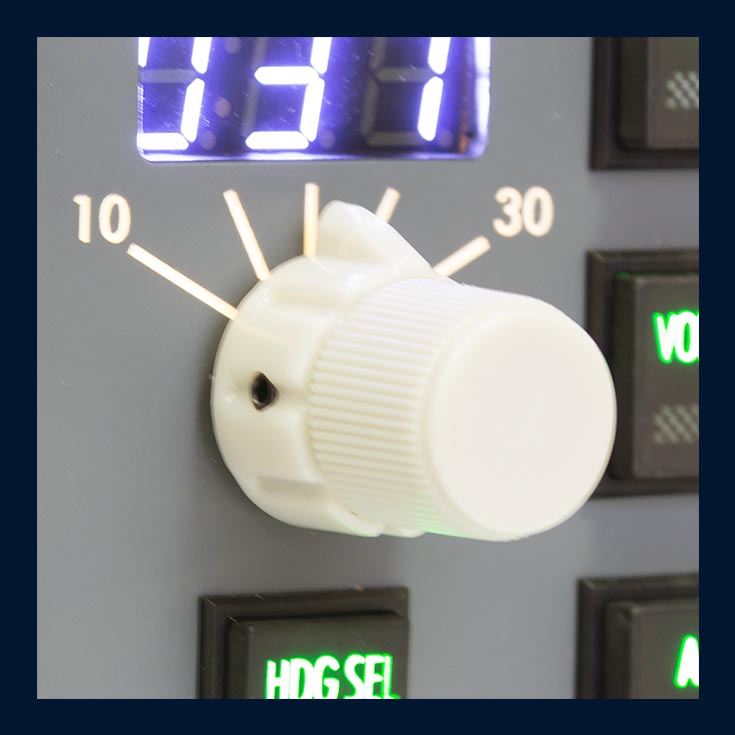
Alpha uses a dual concentric rotary encoder; Bravo uses a single knob with push-button.
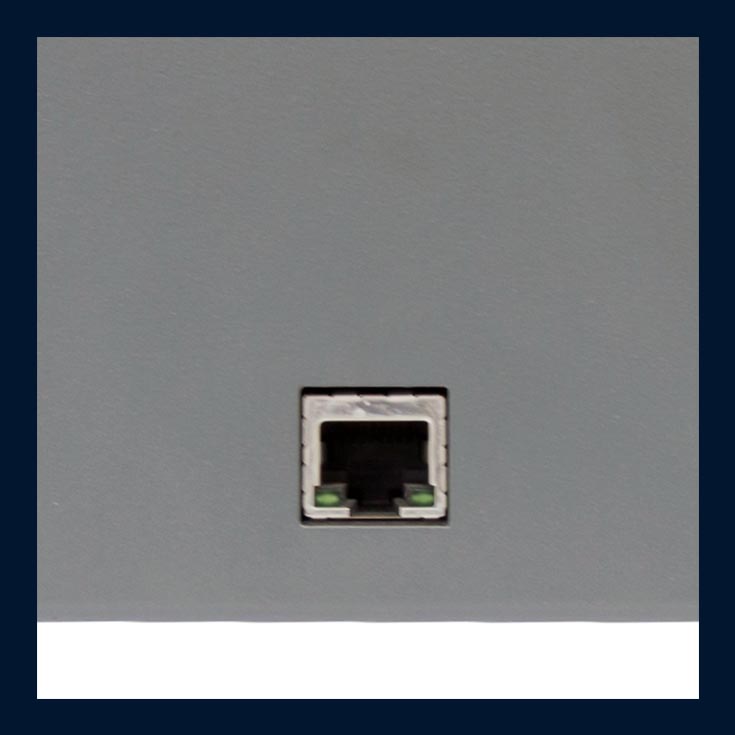
The integrated SimCard SC-MB Ethernet provides communication with the simulator software.
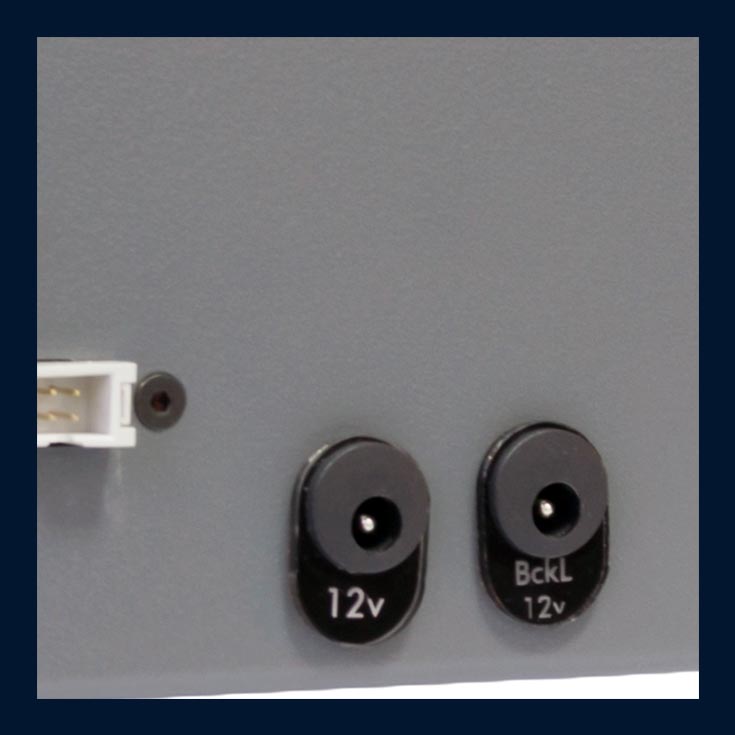
Warm-white LED backlighting can connect to the SISMO MIP dimmer.

Data sheet
No customer reviews for the moment.